
 Dr Mobeus
Why Self-Checkouts Are Costing You More Than You Think
Self-checkouts were supposed to make shopping faster and cheaper. But here is the thing – they are quietly making your weekly shop more expensive. Mispriced items, sneaky multi-buy traps and good old-fashioned mistakes at the scanner can add up to over £20 a week you did not need to spend.
The good news? Once you know what to look for, you can turn the self-checkout from a money drain into a money saver. Here are 15 practical tips that will keep more cash in your pocket every single week.
1. Watch the Screen Like a Hawk
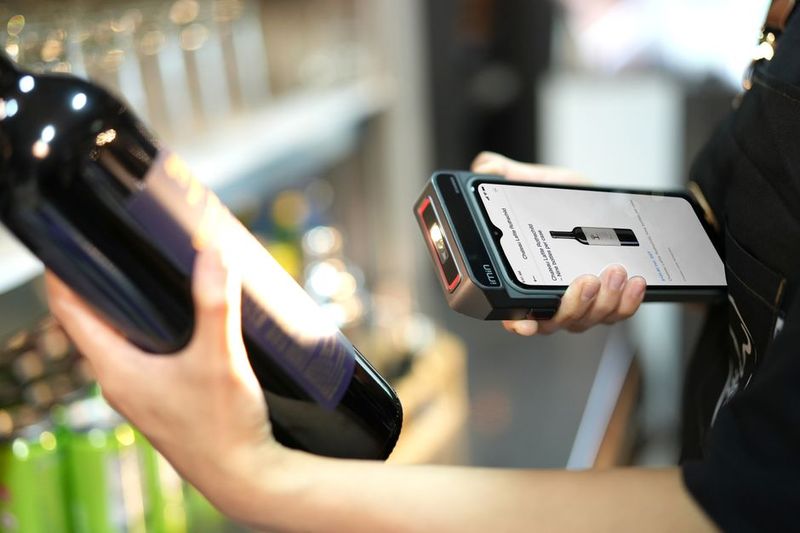
This is the single most important thing you can do. Every time you scan an item, check the screen shows the correct price. Self-checkouts display the price of each item as it scans, but most people stare at the barcode reader instead. Shift your eyes to the price display and you will catch errors instantly.
A 2025 consumer survey found that 1 in 12 items scans at the wrong price – usually higher than the shelf label. That is roughly one mistake per average shop, and it almost always costs you money.
2. Check the Price Per Unit – Always
Supermarkets love making it hard to compare value. One brand lists price per 100g, another per kilogram, another per item. At the self-checkout, you cannot easily compare shelf labels, so you are trusting that the price you saw on the shelf is what you are paying.
Before you shop, use the price per 100g or per unit labels on shelf edges to compare. And at the checkout, watch that the price matches what you saw. Bigger packs are not always better value – a common trap that catches out busy shoppers.
3. Scan Multi-Buy Offers First
If you are buying items on a “3 for 2” or “buy one get one free” deal, scan all the qualifying items together before moving on to other things. Self-checkout systems sometimes fail to apply the discount if you scan a qualifying item, then scan five other things, then scan the second qualifying item. The system may not link them as a group.
If the discount does not show up on the screen after scanning the last qualifying item, call for help immediately. Do not pay and hope it sorts itself out later – it will not.
4. Weigh Loose Produce Yourself – and Double-Check
When you weigh loose fruit and veg, you are the one selecting the product from the on-screen list. This is where mistakes happen. Selecting “organic avocados” instead of regular ones, or “baby tomatoes” instead of standard ones, can add 50p to £1 per item.
Take an extra second to confirm the price on screen matches what was on the shelf label. If the avocados were 79p each on the shelf but the screen says £1.30, you picked the wrong variety.
5. Bring Your Own Bags and Avoid the 30p Trap
Most supermarkets charge 30p-50p for a reusable bag at the self-checkout. Over a year, that is £15-25 if you shop weekly. Keep a stash of bags in your car boot or by the front door and you will never need to buy one again.
Better yet, some supermarkets still offer thin plastic bags for loose produce for free – but do not use them for your main shop. Pack everything properly in bags you brought from home.
6. Know the Reduced Section Timing
This is not strictly a self-checkout tip, but it makes the checkout experience much cheaper. Every supermarket reduces items at specific times:
- Morrisons: First reductions at 5pm, bigger cuts at 7pm
- Tesco: Morning reductions around 8am, evening around 6pm
- Asda: Afternoon reductions from 3pm
- Sainsbury’s: Evening reductions from 6pm
- Marks and Spencer: Evening reductions from 6pm, final cuts at 7:30pm
- Aldi/Lidl: Morning reductions, usually gone by lunch
Time your shop to hit the yellow sticker aisle and you can save 50-75% on perfectly good food. Self-checkout makes this even better because you can verify every reduced price on screen as you scan.
7. Do Not Pay for Bags at the Checkout
This is separate from tip 5. Some self-checkouts prompt you to buy bags as part of the checkout flow, before you have even started scanning. It is easy to tap “yes” without thinking. Always select “no” unless you genuinely need bags. Five bags at 40p each is £2 extra on your shop you did not plan for.
8. Use the Scanner Gun for Big Shops
If your supermarket has handheld scanner guns (like the Scan and Go at Sainsbury’s or Tesco), use them for bigger shops. They let you scan and bag as you go, which means:
- You see the running total in real time – no shocks at the till
- You can remove items before you reach the checkout if you are over budget
- You are less likely to make impulse buys because you can see the cost mounting up
- No queueing for self-checkout at the end – just pay and go
9. Check Your Receipt Before You Leave
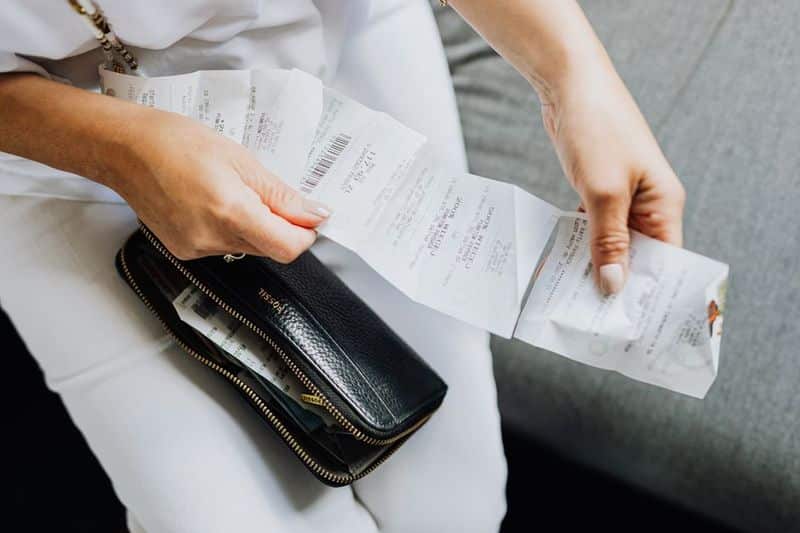
It takes 30 seconds and saves you real money. Before you walk out of the shop, scan your receipt for:
- Items you did not buy (another customer’s items sometimes appear)
- Wrong prices (the shelf said £1.50 but you were charged £2.00)
- Missing multi-buy discounts
- Double-scanned items (happens more than you think)
If you spot an error, go straight to customer service. Most supermarkets will refund you the difference and some, like Tesco and Sainsbury’s, give you the item for free under their pricing guarantee.
10. Downshift Your Brands at the Till
The “downshift challenge” is well known: drop one brand tier and see if you notice the difference. But here is a self-checkout specific trick – as you scan, compare the price of your usual brand with the own-label equivalent on the screen. Sometimes the price gap is shocking. A £3.50 branded pasta sauce next to a 75p own-label version? Same tomatoes, same basil, different label.
Try downshifting just three items per shop. If you cannot taste the difference after two weeks, you have just saved yourself £5-10 a week permanently.
11. Avoid the “Unexpected Item” Trap
The “unexpected item in bagging area” error is not just annoying – it slows you down and can make you abandon items to avoid the hassle. The fix is simple:
- Scan and bag one item at a time
- Do not lean on the bagging area scales
- Keep your handbag or jacket off the bagging area
- If using reusable bags, put them in the bagging area before you start scanning
12. Use Coupons and Vouchers Before You Shop
Many self-checkouts accept digital coupons via the supermarket app. But you need to load them before you shop, not at the till. Check your supermarket app for personalised coupons every week:
- Tesco Clubcard: Check the app every Tuesday for new personalised vouchers
- Sainsbury’s Nectar: Offers refresh every Wednesday
- M&S Sparks: Check weekly for digital offers
- Co-op Member: Weekly personalised deals in the app
Load them to your card before you shop and they apply automatically at the self-checkout. Miss this step and you pay full price.
13. Pay with a Cashback Card
If you are scanning your own shopping, you might as well earn money while you do it. Use a cashback card or app at the self-checkout:
- Amex Platinum Cashback: 1.25% on all spending (if you have one)
- Chase Bank: 1% cashback on all debit card spending for the first year
- TopCashback: Click through the app before in-store shops where available
On a £60 weekly shop, 1% cashback is £31 a year back in your pocket for zero extra effort.
14. Compare Prices with Your Phone
Before you scan a big-ticket item (detergent, nappies, premium products), do a quick price check on your phone. Apps like Trolley.co.uk and LatestDeals.co.uk show current prices across all UK supermarkets so you can confirm you are getting a fair deal. If something is cheaper elsewhere, consider swapping to that shop next time or price matching if your supermarket offers it.
15. Do Not Be Pressured into Rushing
The single biggest money mistake at self-checkouts is rushing. The machine beeps, the screen flashes, and there is a queue behind you. So you start scanning faster, not checking prices, skipping the receipt, and just paying whatever it says.
Slow down. It is not a race. Take the extra two seconds per item to verify the price on screen. Read your receipt. Question anything that looks wrong. The supermarket relies on you being too embarrassed or too hurried to challenge mistakes. Do not let them win.
How Much Can You Really Save?
If you apply even half of these tips consistently, you can realistically save:
- Price errors caught at the till: £3-5 per week
- Brand downshifting: £5-10 per week
- Multi-buy offers checked: £2-4 per week
- Coupons and vouchers loaded: £3-8 per week
- Avoiding impulse buys (scanner gun trick): £5-15 per week
- Cashback on spending: 50p-£1 per week
Add that up and you are looking at £18-43 a week – or £936-2,236 a year – just by being smarter at the self-checkout. Not bad for something that takes an extra minute per shop.
The Bottom Line
Self-checkouts are not doing you any favours. They are convenient, sure, but they make it easy to overspend because nobody is double-checking the prices for you. Take ownership of your scan, watch the screen, check your receipt, and you will walk out of the supermarket with more money than you would have otherwise.
For more ways to cut your food bill, check out our guide to saving money on your weekly shop without changing supermarkets and our complete guide to yellow sticker bargains.